

Videos
The system running on four different kinds of tool, on Windows and on Android. Each one shows the same thing from a different starting point: a conventional tool going in, a recorded tightening coming out.
Hand torque wrench
Process monitoring and data logging for a manual wrench.
Torque click wrench
Making the audible click visible, and keeping it as a record.
Pulse tool
Data collection on an oil pulse wrench, and closed-loop control with a TCB.
Clutch tool
Monitoring a clutch-type torque tool through the tightening cycle.
Tutorial libraries
Four further libraries live on their own pages, with 51 more videos between them — step-by-step tutorials rather than overviews.
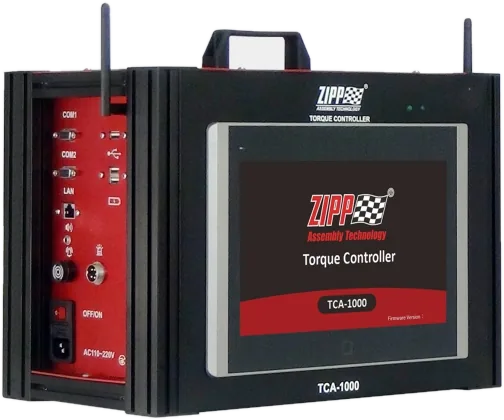
TCA Torque Controller
Setting up and running the TCA controller, end to end.
TFM Android app
Tablet system settings, configuration and day-to-day operation.
TCB Torque Controller
Software installation and the TCB tutorial series.
TMS Windows platform
Work tab settings, torque and angle, and the desk software.
More from the channel
The full playlist
Every ZIPPTORK walkthrough in one place, including anything published after this page was last updated.
The ZIPP GROUP channel
Tool demonstrations from across the group, not only the torque control division.
Want to see it on your tool?
Send the tool brand and model and the joint you are tightening. We will show you the closest equivalent, or arrange a demonstration.